
Starting and Continuing a Chat
3. Starting and Continuing a Chat
SkyStudio Chat allows you to work using natural language. You can enter your request in the message input field and send it, then refine the generated response with additional instructions within the same conversation.
3.1. Sending a Message
Enter your question or instruction in the message input field located in the center of the Chat screen. After entering your request, click the Send icon in the message input area.
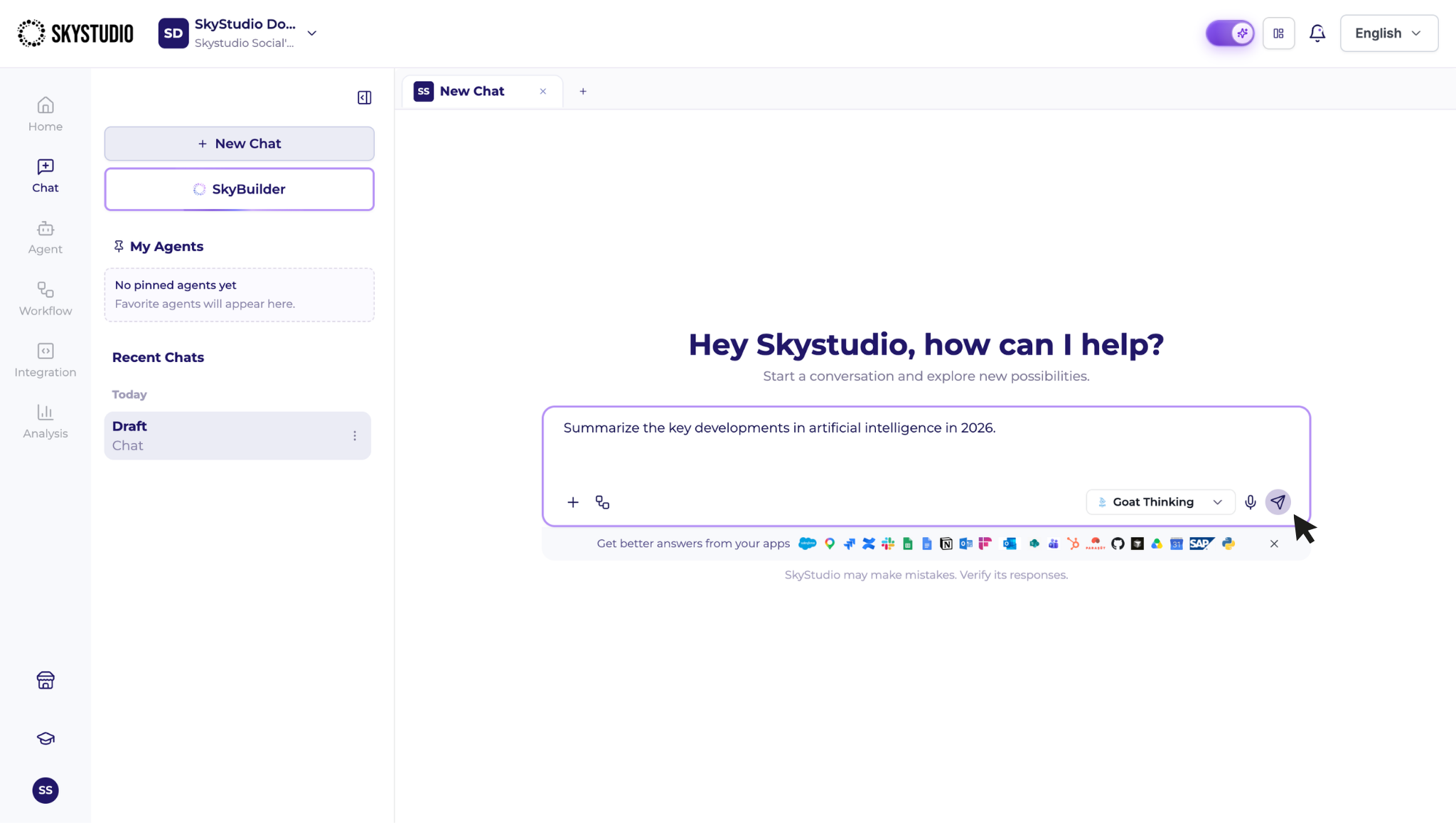
Writing your request clearly and providing sufficient detail helps generate a response that better matches your needs.
For example, instead of a general request such as:
Analyze the sales.
you can provide a more specific request:
Analyze the 2026 sales by month and region. Identify the products with the highest increases and decreases, and present the results in a table.
3.2. Refining a Response with Additional Instructions
You do not need to start a new conversation after receiving the initial response. You can continue working on the existing result by providing additional instructions within the same chat.
For example:
- Consider only the first six months.
- Summarize the results more concisely.
- Adapt this for an executive presentation.